
If you want to secure Instagram Facebook from hackers, you’re in the right place — every 90 seconds, someone’s account gets taken over, and most victims never see it coming. One minute you’re scrolling your feed, the next you’re locked out, your DMs are being used to scam your friends, and your photos, memories, and business contacts are gone. It’s not just embarrassing — it can cost you money, your reputation, or worse.
One minute you’re scrolling your feed, the next you’re locked out, your DMs are being used to scam your friends, and your photos, memories, and business contacts are gone. It’s not just embarrassing — it can cost you money, your reputation, or worse.
The good news? Most account takeovers happen because of a handful of preventable mistakes: weak passwords, missing two-factor authentication, and phishing links people click without thinking twice.
In this guide, we’ll walk you through exactly how hackers break into Instagram and Facebook accounts, and the simple steps you can take right now to lock yours down for good.
Table of Contents
How Hackers Actually Break Into Instagram & Facebook Accounts
Before we get into how to protect your account, let’s talk about how hackers actually get in. Once you understand their playbook, the fixes will make a lot more sense — and you’ll start noticing warning signs you might have missed before.
Most people assume hacking is some complicated, movie-style operation involving lines of code cracking through firewalls. In reality, the vast majority of Instagram and Facebook accounts aren’t “hacked” in a technical sense at all. They’re handed over — because the owner clicked the wrong link, reused an old password, or trusted the wrong app.Not sure if your phone’s already been compromised? Here are the signs your phone is hacked to watch for. Let’s break down exactly how this happens.
1. Phishing Links and Fake Login Pages:
This is still the number one way accounts get hacked, and it hasn’t changed much in over a decade — because it still works.
Here’s how it typically plays out: you get a message, maybe from a “friend” whose account was already compromised, maybe from a brand claiming you’ve won a prize, or maybe a fake “your account will be suspended in 24 hours” warning. There’s usually a link attached. You click it, and it takes you to a page that looks exactly like the real Instagram or Facebook login screen — same logo, same colors, same layout.
You type in your username and password like you would any other day.
Except that page isn’t real. It’s a copy built by the hacker, and the moment you hit “log in,” your credentials are sent straight to them instead of to Instagram or Facebook.
What makes this method so dangerous today is how convincing these fake pages have become. Some hackers use tools that literally clone the real login page pixel-for-pixel, right down to the loading animation. A few years ago, spelling mistakes or a mismatched URL were dead giveaways. Now, the only real clue is often the web address itself — something like “instagrarn-login.com” instead of “instagram.com,” which is easy to miss if you’re scrolling quickly on your phone.
Phishing messages also come disguised as:
- Copyright violation warnings
- “Someone tried to log into your account” alerts
- Fake verification badge offers
- Business partnership or brand collaboration emails
- Messages from hacked accounts of people you actually know
That last one is particularly effective, because you trust the sender. If your friend’s account gets hacked first, the hacker can use it to send phishing links to everyone in their contact list — including you.
2. Weak or Reused Passwords:
If your password is your name, your birthday, your pet’s name, or something like “password123” or “instagram2024,” you’re not making a hacker work very hard at all. Password-cracking tools can run through millions of common combinations in minutes.
But the bigger issue isn’t just weak passwords — it’s reused ones.
Here’s something a lot of people don’t think about: if you use the same password on Instagram, Facebook, and some random shopping website or forum you signed up for years ago — and that smaller, less-secure website gets breached — hackers now have your password for everything else too, including your social media.
This is called “credential stuffing.” Hackers collect huge lists of leaked email-and-password combinations from old data breaches (these lists get traded and sold constantly), and then they run those same combinations against Instagram, Facebook, and other major platforms automatically, using bots. If even one of your old accounts used the same password as your Instagram, you’re exposed — even if you never did anything wrong on Instagram itself.
This is why security experts constantly repeat the same advice: never reuse passwords across accounts, no matter how minor the other account seems.
3. SIM Swapping:
This method is less common than phishing, but it’s far more dangerous when it happens — because it can bypass even good security habits.
Here’s how it works: a hacker gathers just enough of your personal information (often from social media itself, or from previous data leaks) to convince your mobile carrier that they are you. They call up your carrier, claim they’ve lost their phone, and request that your phone number be transferred to a new SIM card — one that they control.
Once that transfer goes through, your actual phone loses signal, and the hacker’s phone starts receiving your calls and text messages. This includes any SMS-based verification codes tied to your accounts.
Even if you have a strong, unique password, this method lets a hacker bypass it entirely by resetting your account through “forgot password,” then intercepting the verification code sent to what they now believe is your phone number.
SIM swapping tends to target people with valuable accounts — business pages, accounts with large followings, or accounts linked to cryptocurrency. But it’s becoming more common for everyday users too, especially as personal information becomes easier to find online.
4. Malicious Third-Party Apps and Browser Extensions:
Ever seen ads or posts promising to show you “who viewed your profile,” “who unfollowed you,” or offering “free followers” and “free likes” if you just connect your account?
Many of these apps ask for direct access to your Instagram or Facebook account during setup. It feels harmless — you’re just logging in through a familiar-looking screen. But once you grant that access, some of these apps quietly collect your login tokens in the background. From there, they can post spam on your behalf, message your followers with scam links, or in worse cases, lock you out entirely by changing your password and linked email.
Browser extensions can pose a similar risk. A seemingly harmless extension that promises to “auto-like” posts or download Instagram videos might be reading and transmitting your session data without you ever noticing anything different in how the site behaves.
5. Public Wi-Fi Snooping:
This method is less common today thanks to widespread encryption (most websites, including Instagram and Facebook, now use HTTPS by default), but it’s still worth understanding.
Logging into your account over an unsecured public Wi-Fi network — like at a café, airport, or hotel — can, in certain situations, expose your data to someone else connected to that same network who has the right tools and knowledge. This is sometimes called a “man-in-the-middle” attack, where the attacker positions themselves between your device and the website you’re trying to reach.
It’s not the most common method used against everyday users anymore, but it’s an easy risk to eliminate completely — here’s how.
How to secure Instagram Facebook from hackers(Step by Step)
Step 1: Turn On Two-Factor Authentication (2FA):
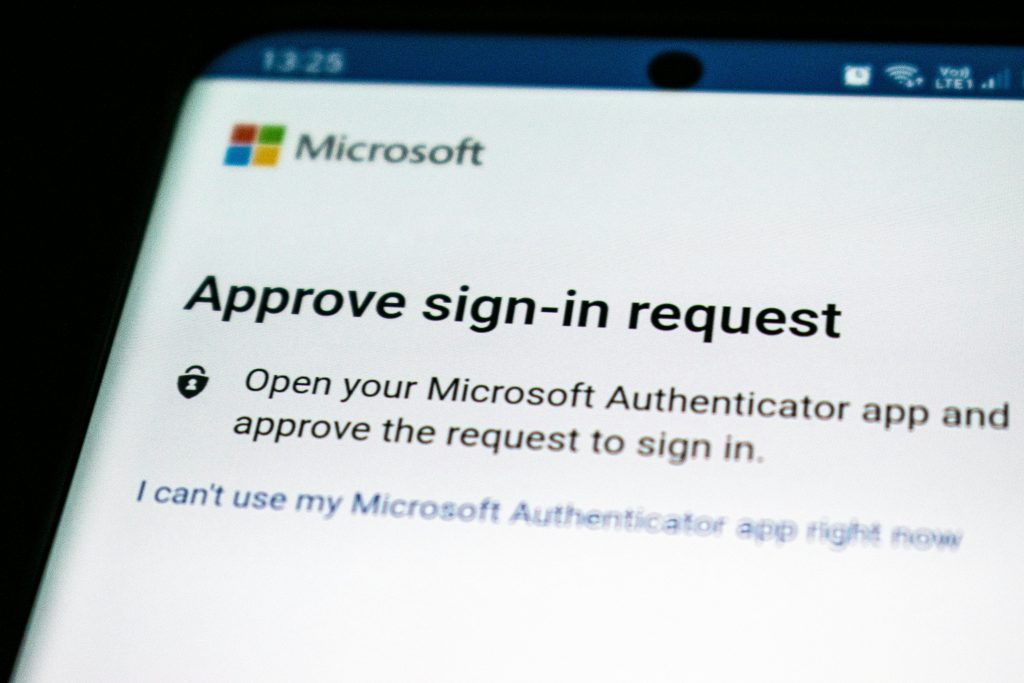
If you only do one thing after reading this article, make it this one. Two-factor authentication is, by far, the single most effective thing you can do to protect your account.
Here’s why it works so well: with 2FA enabled, even if a hacker somehow gets your password — through phishing, a data breach, or guessing — they still can’t get into your account without a second piece of verification, usually a time-sensitive code.For a full walkthrough with screenshots, check out our guide on how to enable two-factor authentication. For detailed steps on every device, see this step-by-step guide to setting up 2FA on Instagram.
To turn it on:
- Go to Settings → Security → Two-Factor Authentication on both Instagram and Facebook.
- Choose an authentication app (like Google Authenticator, Authy, or Microsoft Authenticator) instead of SMS-based codes whenever possible. SMS codes can be intercepted through SIM swapping, as we covered earlier — an app-based code generated on your device can’t be redirected the same way.
- Save your backup recovery codes somewhere safe and offline, such as a written note in a secure place, in case you ever lose access to your phone or authentication app.
- Many people skip this step because it feels like an extra hassle every time they log in. But the few extra seconds it takes are nothing compared to the days or weeks it can take to recover a hacked account — if you’re able to recover it at all.
Step 2: Use a Strong, Unique Password:
Your password should be:
- At least 12 characters long — longer is always better
- A mix of uppercase and lowercase letters, numbers, and symbols
- Completely different from any password you use on any other website or app
Avoid anything tied to personal information that could be guessed or found online — birthdays, pet names, school names, or your own name in any form.
If remembering unique, complex passwords for every single account sounds exhausting, you’re right, it is — which is exactly why password managers exist. Tools like Bitwarden, 1Password, or the password manager built into your browser can generate long, random, unique passwords for every account and store them securely, so you only ever need to remember one master password.
If you’ve been using the same password across multiple sites for years, now is a good time to start changing them, starting with your email and social media accounts first.
Step 3: Learn to Spot Phishing Attempts:
Since phishing is the most common attack method, learning to recognize it is one of your best defenses. Watch for these red flags:
- Urgent, scary language: “Your account will be permanently deleted in 24 hours!” or “Immediate action required!” Hackers rely on panic to make you act before you think.
- Mismatched links: Links that don’t quite match the real domain — for example, “instagrarn.com” instead of “instagram.com” (notice the “rn” that looks like an “m” at a glance), or long, strange-looking URLs with extra words tacked on.
- Requests to “verify” your account by entering your password on a page you reached through a link in a message or email, rather than by opening the app directly.
- Too-good-to-be-true offers: free verification badges, free followers, or surprise prize winnings you never entered for.
- Slightly-off branding: logos that look almost right, or wording that feels a little unnatural — often a sign it wasn’t written by the actual platform.
- To learn more about how these scams work, read the FTC’s guide on how to recognize and avoid phishing scams.
The golden rule: never log in through a link sent to you, no matter who it appears to be from. Always open the app directly, or type the website address into your browser yourself. If a message claims there’s an issue with your account, check by going to the app or site independently — not through the link provided.
Step 4: Review and Remove Third-Party App Access:
Over time, most people connect far more apps to their Instagram and Facebook accounts than they realize — quizzes, games, follower-tracking tools, old apps they tried once and forgot about.
Go through the full list and remove anything you don’t recognize, no longer use, or aren’t fully sure about.
- On Instagram: Settings → Security → Apps and Websites
- On Facebook: Settings → Apps and Websites
If you spot an app you genuinely don’t remember installing, remove its access immediately and change your password right after, just in case it already had a chance to collect your login information.
Going forward, be cautious before granting account access to any third-party service — especially ones promising followers, likes, or “insights” that the official app doesn’t normally offer.
Step 5: Check Your Login Activity Regularly:
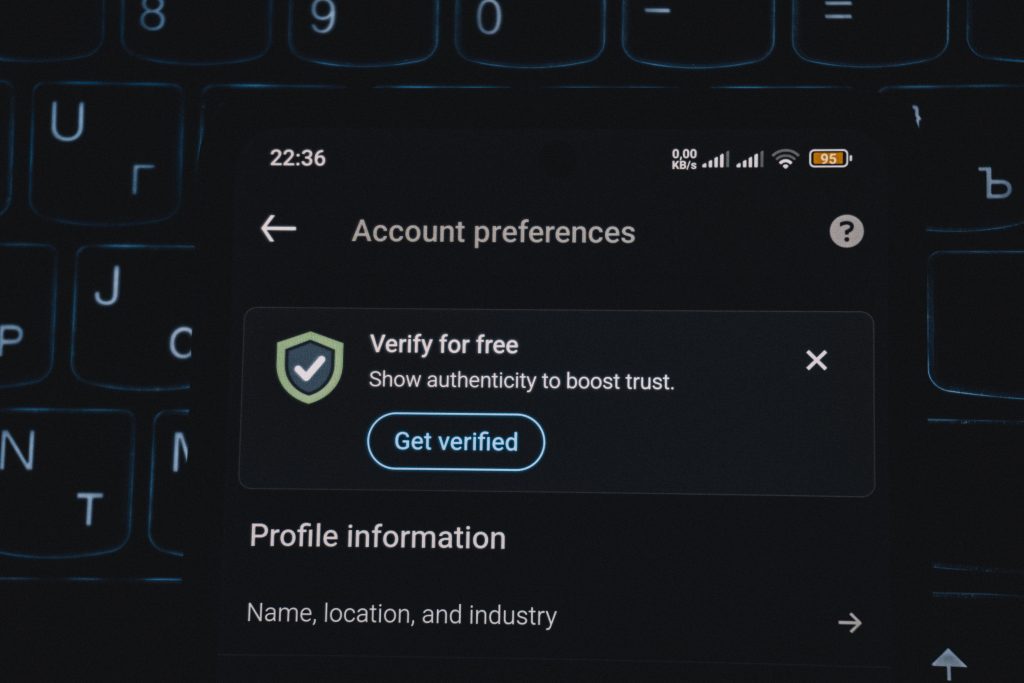
Both platforms let you see a list of every device and location currently or recently logged into your account. Making a habit of checking this every so often can help you catch unauthorized access early, before serious damage is done.
- Instagram: Settings → Security → Login Activity
- Facebook: Settings → Security and Login → Where You’re Logged In
If you spot a login from a city, country, or device you don’t recognize, log it out remotely right away through the same menu, and change your password immediately afterward. It’s also worth checking whether 2FA is still enabled after an incident like this — some attackers try to disable it to make it easier to get back in later.
Step 6: Protect Your Linked Email and Phone Number:
Here’s something people often overlook: your email inbox is frequently the real master key to your social media accounts, because “forgot password” reset links get sent straight there. If a hacker gets into your email, your Instagram and Facebook are often just one click away from being taken too.
Make sure your email account has its own strong, unique password and 2FA enabled — not just your social accounts.
The same logic applies to your phone number, given what we covered earlier about SIM swapping. If it’s easy for someone to convince your carrier to issue a replacement SIM card in your name, you’re vulnerable no matter how strong your other security is. Contact your mobile carrier and ask about adding a PIN, passcode, or extra identity verification step specifically for SIM changes or number transfers. Many carriers offer this for free, but you usually have to request it — it isn’t automatic. Once your phone number and email are locked down, the same steps apply to securing your WhatsApp account from hackers too.
Step 7: Be Careful on Public Wi-Fi:
If you must use public Wi-Fi — at a café, airport, hotel, or anywhere else — avoid logging into sensitive accounts if you can help it, especially on networks with no password or ones shared with strangers.
If you do need to access your accounts, using a VPN (Virtual Private Network) encrypts your connection, making it far harder for anyone else on the same network to intercept your data. It’s a small extra step, but it closes off an entire category of risk with almost no effort. Not sure which one to pick? Check out our roundup of the best VPN apps for 2026 to stay protected on public Wi-Fi.
Step 8: Set Up Trusted Contacts and Account Recovery Options:
Facebook allows you to choose trusted friends who can help verify your identity and assist in recovering your account if you’re ever locked out. Instagram also offers recovery options tied to your linked email address and phone number.
The key here is to set these up before you ever need them, not after you’ve already lost access. Once an account is compromised, a hacker may change the linked email or phone number themselves, making recovery far more difficult if you haven’t already secured backup options in advance.
Take five minutes today to check that your recovery email and phone number are current, and that you have at least one backup method in place. If your account has already been compromised, use Facebook’s official hacked account recovery page right away.
Final Thoughts
Getting hacked usually isn’t about bad luck — it’s about small, avoidable gaps that hackers already know exactly how to find and exploit. The good news is that closing those gaps doesn’t take much time or technical knowledge.
Turn on two-factor authentication, use a strong and unique password, stay alert to phishing attempts, review which apps have access to your account, and keep an eye on your login activity every once in a while.
Do these things today, and you’ll be miles ahead of the average user that hackers are hoping to catch off guard.Want to go further? Check out our ultimate guide to protecting your phone from hackers for complete, all-around protection. And don’t forget — your banking apps deserve the same attention, so take a look at our guide on protecting banking apps from hackers too.
