
So your phone’s been acting up lately. Battery dying way faster than it should, getting hot in your pocket for no reason, maybe even restarting on its own out of nowhere. Sound familiar? You’re not imagining it, and you’re far from the only person dealing with this.
A lot of people search for how to tell if someone is spying on their phone every single month, and more often than not, there really are signs of phone spyware sitting right there if you know where to look. Stalkerware apps have gotten way too easy to install nowadays — once one’s on your phone, it can quietly track your calls, texts, and location without you ever catching on.
But here’s the thing: spotting these warning signs isn’t as complicated as it sounds. This guide covers what to look for, how to actually confirm if your phone’s hacked, and what you can do about it right away.
Table of Contents
Why Phone Spying Has Become So Common
Not that long ago, spying on someone’s phone actually took some real technical skill. Now? Anyone can grab a stalkerware app off some sketchy website, install it in five minutes flat, and start watching calls, messages, and location in real time — often without ever needing to touch the phone again after that.
This is exactly why knowing how to tell if someone is spying on your phone matters so much these days. Sometimes it’s a jealous partner. Sometimes a controlling parent or family member. Occasionally even corporate spyware. And the signs are usually subtle enough that people just chalk it up to “my phone’s being weird again.”
So before we get into fixing anything, let’s talk about what phone spying actually looks like in real life — and how you tell these spyware signs apart from your phone just being old and glitchy. If you want a broader look at protecting your device, check out our guide on how to protect your phone from hackers.
How to Tell If Someone Is Spying on Your Phone: Warning Signs
Battery draining way faster than normal is probably the biggest one. Spyware runs constantly in the background, logging everything and sending it off somewhere, and that eats battery fast. If your phone’s suddenly dying way quicker than it used to, even though nothing about how you use it has changed, that’s a red flag worth paying attention to.
Phone getting hot when you’re not even using it is another one. If it’s warming up sitting untouched in your pocket, something’s probably chugging away in the background — most likely a spy app doing its thing.Then there’s the data usage spike. Stalkerware has to send whatever it collects somewhere, and that takes data.
Check your data usage settings, and if you see some unexplained jump with no real change in your own habits, dig into it. Phone slowing down or apps randomly crashing is worth noticing too. A compromised phone’s often juggling hidden processes on top of everything else, so things start lagging or crashing for seemingly no reason.
Random restarts, or your screen turning on by itself, shouldn’t just be ignored either. Some spy apps need periodic restarts to reconnect or update, so if your phone’s doing things without you touching it, take that seriously.Apps you genuinely don’t remember installing are a big deal.
Go through your app list every now and then — anything unfamiliar, especially stuff with vague generic names like “System Service,” could be spyware hiding in plain sight. Weird noises during calls — clicking, static, echoes — have been linked to call interception for years. It’s not solid proof by itself, but if it keeps happening, it’s not nothing.
Random pop-ups or the screen flickering unexpectedly can happen too, especially with cheaper, badly-built spyware that isn’t optimized well and glitches out while it’s transmitting data. And then there’s the strange texts — random codes, weird symbols, gibberish you never sent or received the normal way. Some spyware actually communicates with its server through coded messages like that. Don’t just brush those off.
How Someone Could Actually Be Spying on Your Phone
There’s a few different ways this usually happens. Spyware or stalkerware apps get installed directly on the phone, often disguised as something totally harmless like a system utility. Then there’s physical access — someone gets your unlocked phone in their hands for even a couple minutes and installs tracking software before you know it.
Phishing links are another route. Click the wrong one and spyware installs silently, or someone gets remote access without you seeing any obvious sign of it. These links often spread through messaging apps, so it’s worth learning how to secure your whatsapp account as an extra layer of protection.Shared cloud accounts matter too.
If someone’s logged into your iCloud or Google account, they can potentially see your location, messages, photos, all without ever physically touching your device. You can review Google’s official Android security programs to see what protections are already built into your device. And don’t sleep on malicious charging cables or shady public charging stations either — plug into the wrong one and malware can transfer onto your phone right there.
How to Confirm If Your Phone Is Actually Being Spied On
Noticing one sign here or there doesn’t mean you’re definitely hacked. But if a bunch of these start piling up together, it’s worth actually checking.
Start by going through your installed apps list, including anything buried in hidden folders or system settings. Look for names that sound off, vague stuff like “Sync Service” that you can’t actually place.
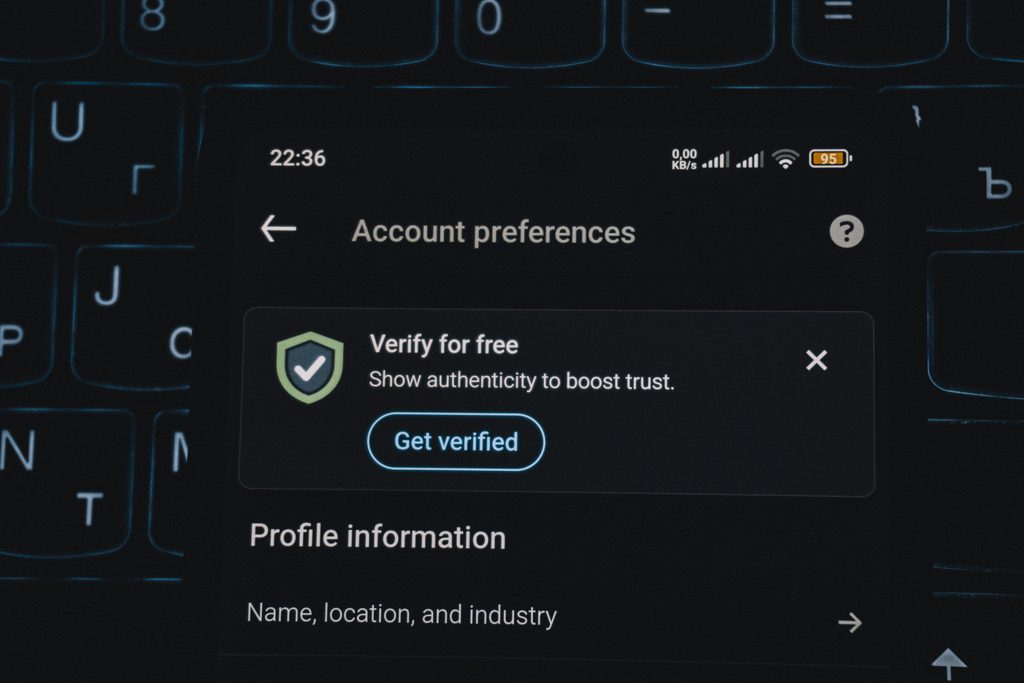
Check your device administrator and accessibility permissions next. Spy apps almost always need elevated access to do what they do. On Android that’s under Settings, then Security, then Device Admin Apps — and separately, go through Accessibility settings for anything you never actually approved yourself.
Look at data usage by app too. Sort by how much each one’s using, and watch for something unfamiliar quietly burning through data in the background.
Same deal with battery usage — if some app you don’t recognize keeps showing up near the top, that’s worth a closer look.
Run an antivirus or anti-spyware scan while you’re at it. A decent mobile security app can catch known spyware signatures that you’d probably miss just scrolling through manually.

Check the connected devices list on your cloud accounts as well. Log into iCloud or Google from a browser and see what’s linked. Anything you don’t recognize could mean someone’s accessing your stuff remotely.
Last thing — check if your phone’s been jailbroken or rooted, since most spyware needs that to actually work. Stuff like Cydia showing up, or root tools you never touched, is a pretty strong sign someone’s been in there.
What to Do If Your Phone Is Being Spied On
Okay so let’s say you’ve confirmed it, or you’re fairly sure. Don’t panic, just work through it one step at a time.First, uninstall anything sketchy you can’t verify. Then back up whatever actually matters and do a full factory reset — honestly your best shot at wiping spyware out for good, since most stalkerware just doesn’t survive that.
After the reset, change every password that counts, especially email, banking, and your cloud accounts, and ideally do it from a different device entirely. Don’t forget your social media accounts either – see our guide on how to secure your Instagram and Facebook from hackers if those need attension too.
If you’re on an iPhone and think your Apple Account might be compromised, Apple’s official security support page walks you through securing it. Update the phone’s OS right after too, since that patches the exact holes spyware usually exploits. Grab yourself a trusted security app while you’re at it.
And if there’s any harassment or stalking involved here, please don’t just deal with it alone — report it. In Pakistan, the FIA Cybercrime Wing handles exactly this kind of case, unauthorized surveillance and digital harassment stuff.
How to Keep Your Phone Safe From Spying Going Forward
A few habits make a real difference once your phone’s clean again. Use an actual screen lock, PIN, password, biometric, whatever works, and don’t hand it out to people. It’s also worth taking a few minutes to enable two-factor authentification on your important accounts for an extra layer of protection. Stick to official app stores only, and actually look at what permissions an app’s asking for before you hit install.
Skip clicking random links in texts or emails altogether. Turn Bluetooth and WiFi off when you’re not using them. And honestly, probably the most overlooked one — don’t leave your phone lying around unattended near people you don’t fully trust. Most spyware installs take like two minutes of physical access, that’s it.
Frequently Asked Questions

Is there a code to check if my phone is tapped?
People bring up codes like *#21# or *#62# a lot for checking call forwarding, but honestly they don’t reliably catch modern spyware. A proper scan or manually checking your permissions works a lot better.
Does a factory reset remove spyware?
Most of the time, yeah. It wipes out basically everything installed, which takes care of most spyware out there. Just remember to change your passwords afterward too, because some spyware can sneak back through cloud backups.
Is iPhone or Android safer from spying?
Both can get targeted honestly. iPhones usually need to be jailbroken first for most spyware to work, so that makes casual spying a bit harder. Android being more open makes it slightly easier to target, but either one can be kept pretty secure if you’re careful.
Final Thoughts
Finding out someone might be spying on your phone is unsettling, there’s no way around that. But the second you know what to actually look for, you’re already back in control. Battery drain, overheating, apps you don’t recognize, weird data spikes — none of that’s something to just shrug off. It’s basically your phone trying to tell you something’s wrong.
Go through the checks in this guide, clear out anything sketchy, and build in some decent habits going forward, strong locks, checking app permissions, all of it. Your phone holds a massive chunk of your life at this point. It’s worth ten minutes to make sure it’s actually just yours. Add since financial apps are often the biggest target, it’s worth double-checking how to protect your banking app too.
