
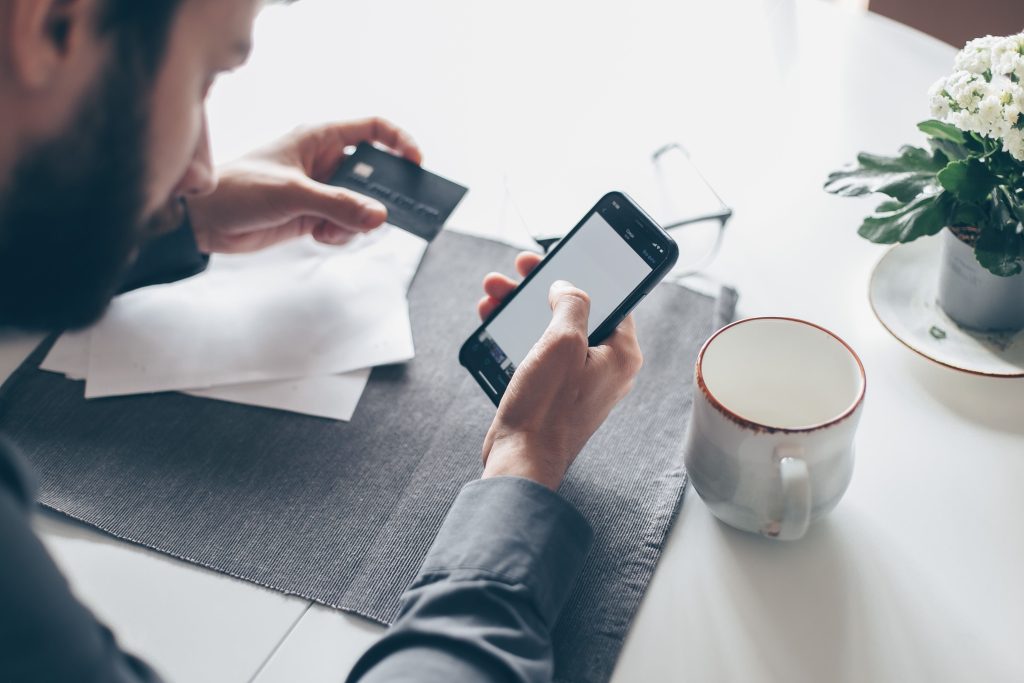
If you want to protect banking apps from hackers, you need to understand how these attacks actually happen. Every year, thousands of people lose money through their banking apps — and most of them never see it coming. That’s the scary part. We’ve gotten so used to paying bills, sending money, and checking our balance from our phones that we rarely stop to think about who else might be watching.
Meanwhile, hackers are getting smarter, faster, and a lot more creative about how they get in. Sometimes all it takes is one careless click, a fake app, or logging into your account over free cafe WiFi, and your entire account can be drained before you even realize something’s wrong.
The good news? Most of these attacks are avoidable. This guide focuses specifically on banking apps — if you want to lock down your entire phone, check out our complete phone security guide. Once you understand how hackers actually operate, protecting yourself becomes a lot less intimidating. This guide walks you through the real threats out there, the steps you can take right now to lock things down, and what to do if the worst actually happens.
Table of Contents
Why Hackers Love Targeting Banking Apps:
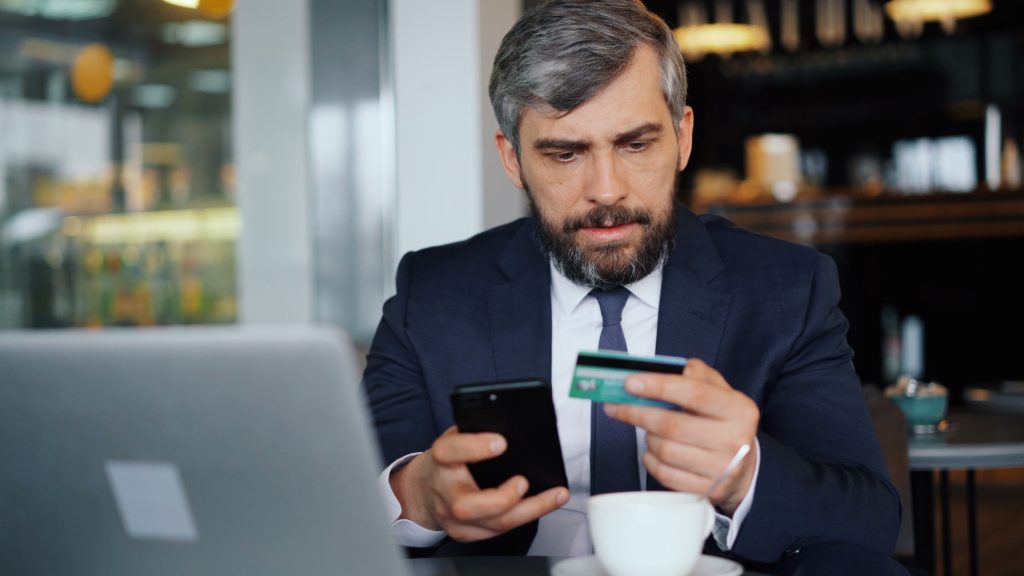
Your banking app is basically a goldmine sitting in your pocket. Account numbers, card details, transaction history, sometimes even direct access to your money — it’s all there in one place. For a hacker, that’s a much better payoff than, say, stealing your Instagram password.
And unlike an old-school pickpocket, they don’t even need to be near you. A hacker in another country can try to trick you into handing over your login details, or quietly exploit some weakness on your phone without you noticing a thing.
Here’s what really surprises people, though: most hacks aren’t some elaborate, Hollywood-style operation. They happen because of small, everyday slip-ups — a reused password, a link clicked without thinking, connecting to random WiFi at the mall. So before we get into fixing this, it helps to understand exactly how these attacks work.
The Threats You Should Actually Worry About:

Phishing: Still the oldest trick around, and still the most effective one. You get a text or email that looks exactly like it’s from your bank, warning you about “unusual activity,” urging you to click a link and verify your details. That link takes you to a fake page built to steal whatever you type into it.
SIM swapping: This one’s sneakier. Hackers convince your mobile carrier to move your number onto a SIM card they control, often using personal details they’ve gathered elsewhere. Once they have your number, they can intercept the OTP your bank sends — and just like that, they’re in.
Fake or cloned apps: Some attackers build near-perfect copies of real banking apps and upload them to shady sites or third-party stores. Install one of these, and it starts harvesting your login information the moment you type it in.
Public WiFi attacks: That free WiFi at the airport or coffee shop feels convenient, but it’s honestly one of the easiest ways to get hacked. On an unsecured network, someone can position themselves between your phone and the bank’s server and quietly intercept everything.
Malware and spyware: A sketchy download or a malicious app can quietly install spyware that logs your keystrokes or even records your screen while you’re checking your balance. Not sure if your phone’s already compromised? Here are the signs to watch for.
Social engineering: Not every scam is technical. Sometimes it’s just a phone call — someone pretending to be from your bank, creating panic (“your account is being blocked in 10 minutes!”) to rush you into revealing your PIN or OTP. Scammers use these same panic tactics to hijack WhatsApp accounts too.
Screen overlays: Certain malware can lay a fake login screen right on top of your real banking app. You think you’re logging in normally, but you’re actually handing your credentials straight to a hacker.
Now that you know what’s out there, let’s talk about actually stopping it.
How to protect banking apps from hackers:
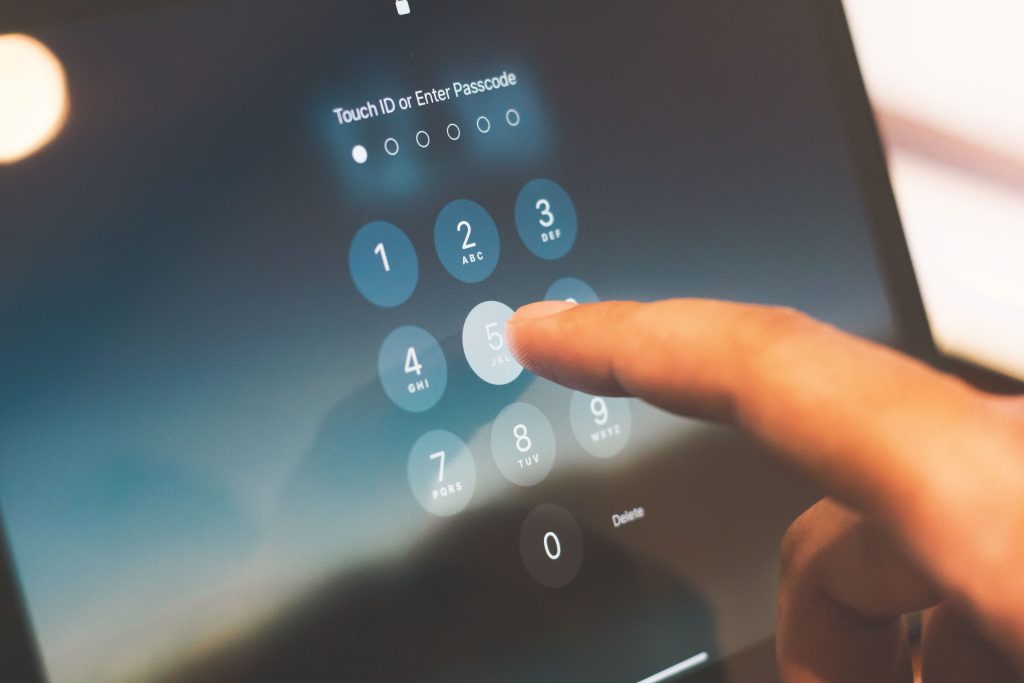
Use a strong: unique password and PIN. Don’t reuse the same one across different accounts — your banking app deserves a password nothing else in your life shares. Mix it up with uppercase, lowercase, numbers, and symbols, and skip anything obvious like your birthday.
Turn on biometric authentication: Fingerprint or face lock isn’t just convenient, it’s genuinely hard for a remote hacker to get around. If it’s available, use it.
Enable two-factor authentication: Even if someone somehow gets your password, 2FA means they still need a second step (usually an OTP) to actually break in. This alone stops a huge chunk of attacks.
Stick to official app stores: Download only from Google Play or the Apple App Store, and always go through your bank’s verified listing. Never install anything from a link sent over SMS or email, no matter how legit it looks.
Skip public WiFi for banking: If you can wait until you’re on mobile data, wait. If you absolutely have to use WiFi, run it through a trusted VPN first.
Keep everything updated: Updates aren’t just about new features — they patch the exact vulnerabilities hackers are hunting for. Turn on auto-updates for both your phone’s OS and your banking app.
Don’t click unfamiliar links: Any message asking you to “verify” or “confirm” your account through a link should raise a red flag. Banks rarely operate that way. If something feels off, just open the app directly instead.
Check your app permissions: Take a few minutes to see what access your apps actually have. If some random app wants access to your SMS or camera for no clear reason, that’s worth looking into.
Set a short auto-lock timer: Thirty seconds to a minute is enough. It shrinks the window of opportunity if your phone ever ends up in the wrong hands.
Don’t leave your app running in the background: Close it out once you’re done, especially on a shared device. Most apps auto-lock anyway, but it doesn’t hurt to be sure.
Avoid jailbroken or rooted phones: These strip away a lot of the built-in security your phone normally has, which makes it much easier for malware to slip through.
Turn on transaction alerts: Get notified for every single transaction, no matter how small. If something unauthorized happens, you’ll know in seconds instead of finding out weeks later.
Install a trusted security app: A good mobile antivirus can catch malware and flag phishing sites before they do any damage.
If You Do Get Hacked, Here’s What to Do:

Even the most careful person can slip up, so don’t panic if it happens — just move fast.
Call your bank right away, using their official number, not one from a suspicious text. Change your password and PIN immediately, even before you get through to them if you can. Most banking apps let you block your card instantly, so use that feature the second you suspect trouble. In Pakistan, you can also report the incident to the FIA Cybercrime Wing, which deals specifically with online fraud cases. And even after things settle down, keep an eye on your account for a few weeks — sometimes attackers try again.
Security Features People Forget Exist:
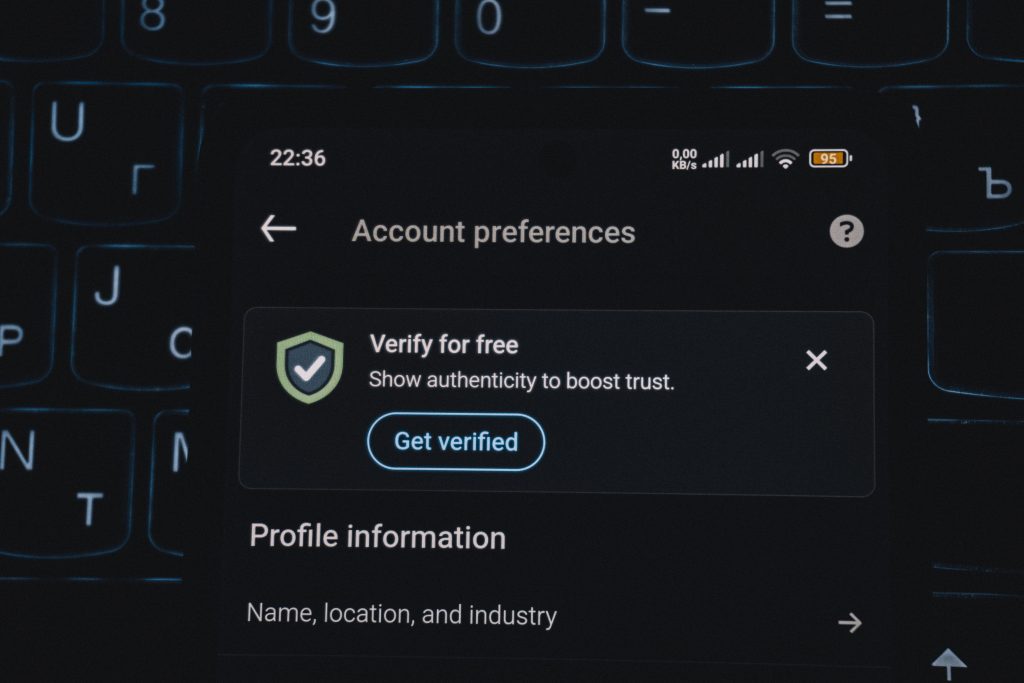
Most banks quietly build in extra protections that hardly anyone actually turns on. Device binding locks your account to your registered phone. Daily transaction limits cap how much can move out in a day. Login alerts tell you the moment your account is accessed from a new device or location. Auto-lock after inactivity logs you out if the app just sits there idle.
Honestly, it’s worth five minutes to dig through your app’s security settings and switch on whatever’s still off.
A Few Quick Questions People Usually Have:
Are banking apps actually safe?
For the most part, yes. Banks pour serious money into encryption and security. Most breaches come down to user mistakes, not flaws in the app itself.
Do I need a VPN for mobile banking?
Not really at home. But the second you’re on public WiFi, a VPN becomes genuinely useful.
What’s the best antivirus for this?
Any well-reviewed one from a trusted developer. You don’t need to spend a fortune on it.
Can someone hack my account without having my phone?
Yes, unfortunately — phishing and SIM swapping don’t require your physical device. That’s exactly why 2FA and a bit of everyday caution matter so much.
Final Thoughts:
Protecting your banking app really doesn’t take much. A strong password, biometric lock, 2FA, and just a little caution around links and public WiFi will block the vast majority of attacks before they even get close.
Hackers are counting on people being careless or in a rush — don’t give them that chance. Spend ten minutes today going through your security settings, turn on whatever’s still off, and make it a habit instead of a one-time thing.
Your money is worth protecting properly. Stay alert, stay updated, and bank with a little more confidence.
