
Looking for the best VPN apps 2026 has to offer? You sit down at your favorite coffee shop, connect to the free WiFi, and without thinking twice, check your bank balance or log into your email. Nothing feels wrong about it. But on that same open network, anyone with basic hacking tools can potentially intercept unencrypted traffic — including your passwords and card details. Not sure if your device has already been compromised? Here are the 15 warning signs your phone is Hacked should watch for.
It’s not some rare, one-in-a-million scenario either. This happens every day, at airports, hotels, and cafes around the world. Here’s the part most people miss: not every VPN actually protects you. For the complete picture on keeping your device safe, check out our Ultimate Guide to protecting your phone from Hackers.
Several “free” VPN apps on app stores have been caught logging user data and quietly selling it to advertisers — which means you could end up more exposed than if you’d used no VPN at all.
So below is a rundown of five well-regarded VPN services, based on their published specs, independent audit history, and how they’ve held up in ongoing third-party reviews. We’re also flagging where each one falls short, because no single VPN is the right fit for everyone.
Table of Contents
How These Were Evaluated:
Three things really matter with a VPN: speed (does it noticeably slow down your browsing or streaming), security (is the encryption actually solid, or just something the marketing page claims), and logging policy (has the “no-logs” promise actually been checked by someone independent — an audit, a court case — or is it just a line on the website that nobody’s verified).
One more thing worth knowing: the pricing below reflects long-term plans (1–2 years), paid upfront, since that’s how most providers price things day to day. Renewal prices are almost always higher, so don’t skip checking that before you subscribe.
1. NordVPN — Best Overall for Most People:
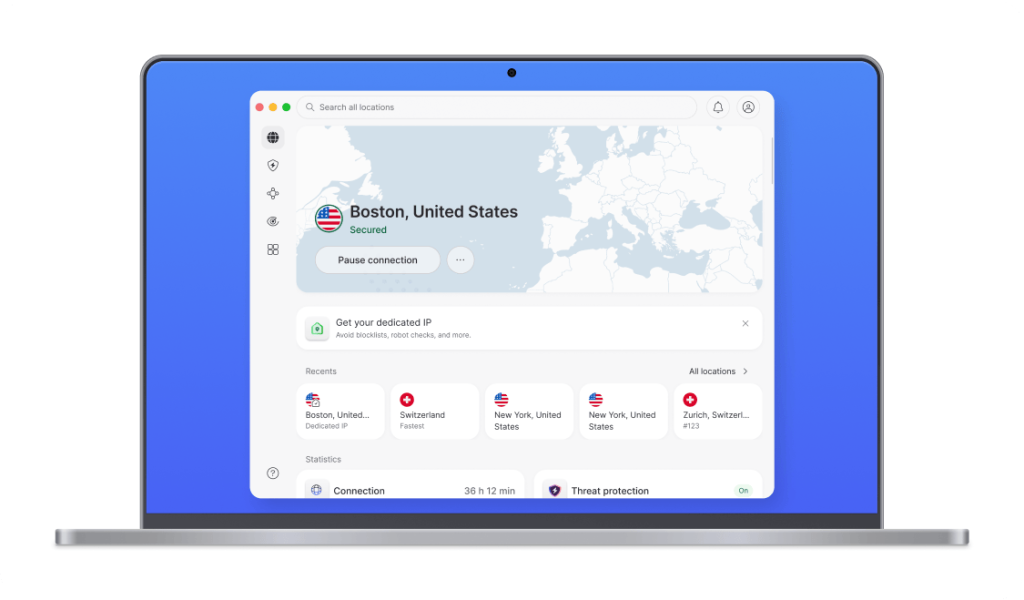
Price: roughly $3.39–$3.49/month on a 2-year plan (billed upfront); renews at a noticeably higher rate
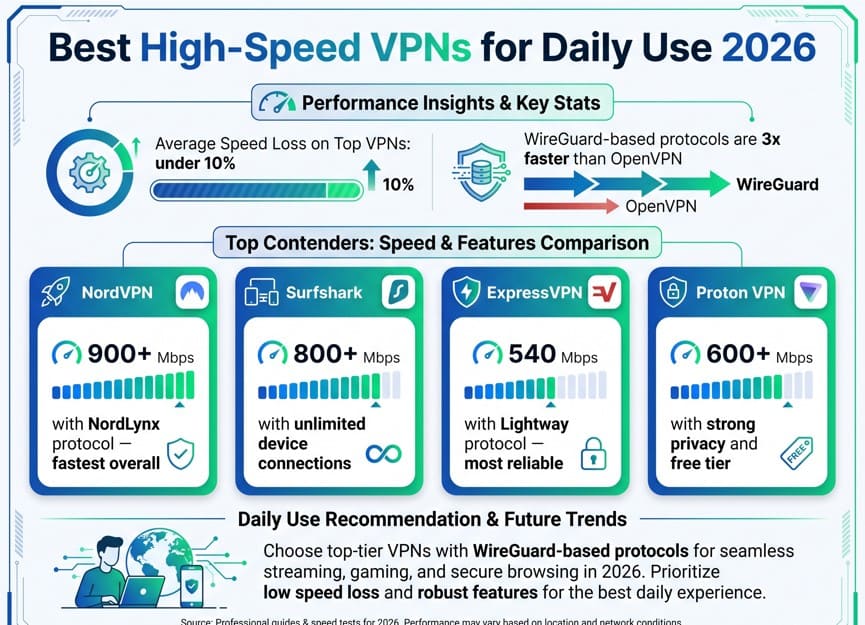
If you don’t want to think much about VPNs and just want something that works, NordVPN is the safe default. Install it, turn it on, and you’re set. It’s passed multiple independent no-logs audits over the years (most recently tied to Deloitte), and it consistently lands near the top in third-party speed benchmarks, largely thanks to its NordLynx (WireGuard-based) protocol.
What it gets right:
AES-256 encryption backed by a large, well-maintained server network (several thousand servers across 60+ countries)
An automatic kill switch that cuts your connection if the VPN drops, so nothing leaks
A Threat Protection feature that blocks known malicious sites and trackers before they load
Where it falls short:
It’s not the cheapest option out there — both Surfshark and Proton VPN beat it on price for similar core protection
You need the 2-year plan to get the best value; monthly pricing isn’t nearly as competitive
Some of the advanced, protocol-level customization that PIA offers just isn’t here
⚠️ One thing worth a real warning: fake NordVPN apps show up on third-party app stores fairly often. Stick to the official Google Play Store, Apple App Store, or nordvpn.com — nowhere else.
2. ExpressVPN — Best for Streaming and Simplicity:
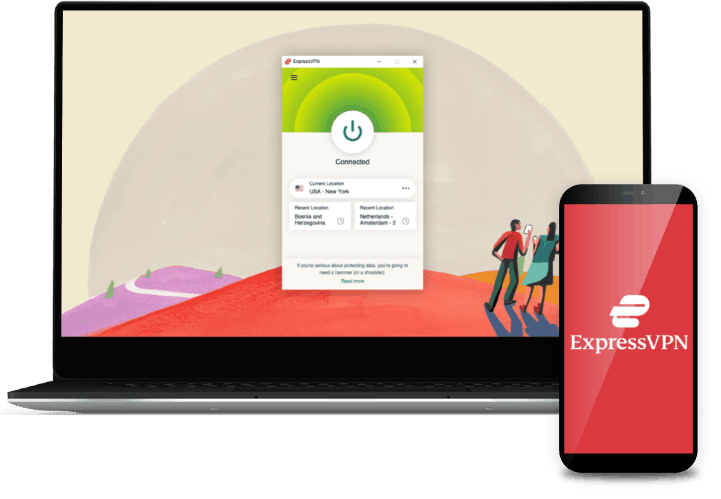
Price: roughly $2.49–$2.99/month on a discounted long-term plan; still among the pricier options once it renews
ExpressVPN’s biggest selling point is that it rarely gets blocked by streaming platforms — a problem that trips up a lot of other VPNs. Its proprietary Lightway protocol is built specifically to keep speeds high without cutting corners on encryption. It’s also one of the more beginner-friendly apps you’ll find in this space.
What it gets right:
Reliably unblocks major streaming platforms that often detect and shut out VPN traffic
Apps available for practically every device, including routers and smart TVs
24/7 live chat support, if something does go wrong
Where it falls short:
It’s historically been one of the pricier VPNs, and even with discounts, it’s rarely the cheapest pick
Fewer simultaneous device connections on standard plans compared to Surfshark’s unlimited offering
No real privacy-jurisdiction advantage the way Proton VPN has with its Swiss base
3. Proton VPN — Best Free Tier That’s Actually Safe:
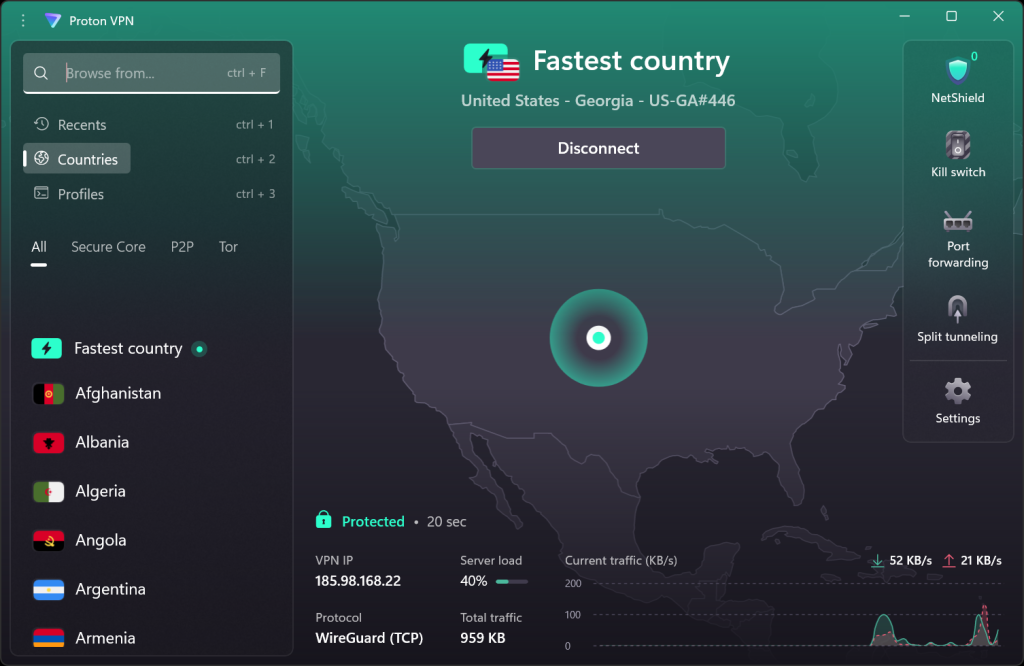
Price: free tier available (unlimited data, limited servers); paid plans start around $2.99–$4.32/month depending on the term
“Free VPN” is usually a phrase that should make you pause, since most free VPN apps make their money by logging and selling your browsing data — which is exactly what a VPN is supposed to stop. Proton VPN is one of the rare free tiers with an actual privacy track record behind it: it’s Swiss-based (a genuinely strong privacy jurisdiction), fully open-source, and independently audited every year.
What it gets right:
A free plan with no data cap, which is unusual — most competitors’ free tiers throttle you or cap your usage
Open-source apps, meaning security researchers can actually inspect the code
Strong results in independent speed tests on the paid tiers
Where it falls short:
The free tier only gives you a limited selection of server locations
Even on the paid plan, the server count — while large — is smaller than NordVPN’s in some regions
The interface leans more privacy/technical, which can feel a bit less polished to casual users than Surfshark or ExpressVPN
4. Surfshark — Best Value for Multiple Devices:
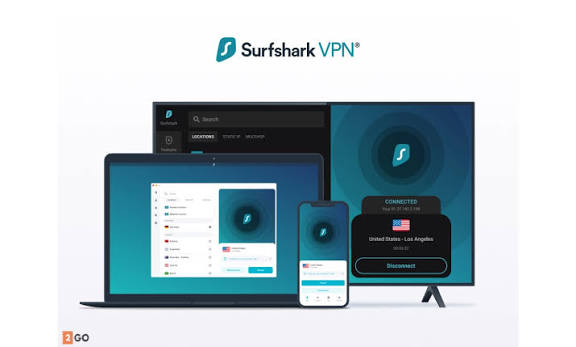
Price: roughly $1.99–$2.49/month on long-term plans — usually the cheapest of the major providers
If you’ve got a phone, laptop, tablet, and a smart TV that all need protecting, Surfshark solves the “extra device fee” headache most competitors create — it allows unlimited simultaneous device connections on a single subscription.
What it gets right:
Unlimited devices on one account, which is genuinely rare in this market
A CleanWeb feature that automatically blocks ads, trackers, and some malware
Consistently the cheapest option among the well-reviewed providers
Where it falls short:
A smaller server network with fewer country locations than NordVPN
Slightly weaker results in some independent malware/phishing-blocking tests compared to NordVPN
Streaming unblock success is generally solid, but not as consistently reliable as ExpressVPN’s
5. Private Internet Access (PIA) — Best for Advanced Control:
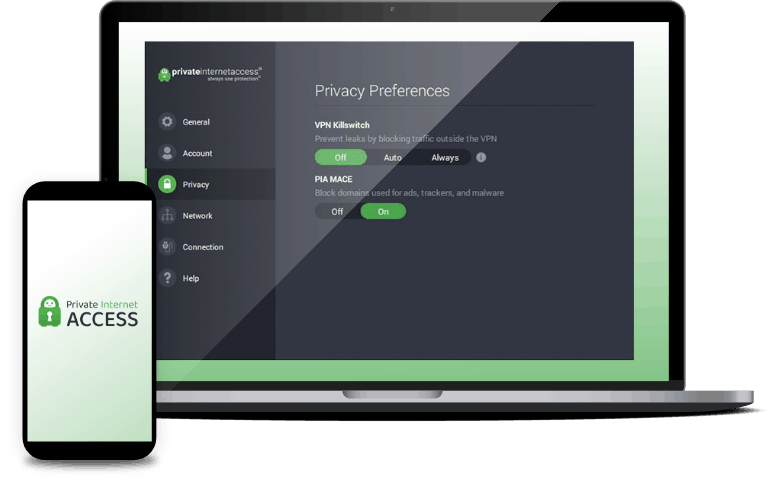
Price: around $11.95/month billed monthly; drops substantially on long-term plans, often into low single digits per month
PIA is built for people who actually want to pick their own encryption level, protocol, and port, rather than let the app decide everything for them. Its no-logs claim also has real-world backing — PIA has been through court cases where authorities demanded user logs, and the company simply had none to hand over.
What it gets right:
Fully customizable encryption and protocol settings
A no-logs policy that’s been tested in actual legal proceedings, not just claimed in a privacy policy
Built-in ad and malware blocking (MACE), plus fully open-source apps
Where it falls short:
Monthly, non-discounted pricing is noticeably high
The level of configurability can feel like overkill if you’re a casual user who just wants “on/off”
Streaming and speed performance are solid but generally rated a notch below NordVPN or ExpressVPN in most reviews
Quick Comparison:
| VPN | Best For | Approx. Price/mo* | Simultaneous Devices | No-Logs Verified? | Free Tier |
| NordVPN | All-round reliability | $3.39–$3.49 | 10 | Yes (independent audits) | No |
| ExpressVPN | Streaming & ease of use | $2.49–$2.99 | 8 | Yes (audited) | No |
| Proton VPN | Free tier / privacy | Free / $2.99+ | 10 | Yes (audited annually) | Yes |
| Surfshark | Multiple devices / price | $1.99–$2.49 | Unlimited | Yes (audited) | No |
| PIA | Advanced customization | ~$11.95 (or less long-term) | 10 | Yes (court-tested) | No |
NordVPN All-round reliability $3.39–$3.49 10 Yes (independent audits) No
ExpressVPN Streaming & ease of use $2.49–$2.99 8 Yes (audited) No
Proton VPN Free tier / privacy Free / $2.99+ 10 Yes (audited annually) Yes
Surfshark Multiple devices / price $1.99–$2.49 Unlimited Yes (audited) No
PIA Advanced customization ~$11.95 (or less long-term) 10 Yes (court-tested) No
*Long-term discounted pricing shown; renewal rates are higher. Prices shift often, so double-check each provider’s site before buying.
Which of the best vpn apps 2026 should you pick?
Want the least effort and a broadly solid choice?
Go with NordVPN.
Streaming is basically your whole use case?
ExpressVPN’s your pick.
Want to try a VPN for free without the usual catch?
Proton VPN won’t burn you.
Covering a whole household of devices?
Surfshark handles that well.
You’d rather control every technical setting yourself?
PIA gives you that.
There’s no single “best” VPN here, honestly — it really comes down to whether you care most about price, control, streaming reliability, or a genuinely free option. What all five have in common is a no-logs claim that’s actually been independently backed, which is the baseline that matters most when you’re trusting something with all your traffic.
The Bottom Line:
Connecting to public WiFi without any protection means your traffic — passwords, financial details, private messages — could potentially be intercepted by anyone else on that network. At the end of the day, choosing from the best VPN apps 2026 offers comes down to what matters most to you — price, control, streaming reliability, or a genuinely free option.
At this point, a VPN is a pretty reasonable baseline protection, not much different from using a password manager or turning on two-factor authentication. Your traffic — passwords, financial details, private messeges— could potentially be intercepted by anyone else on that network.”
That said, not every VPN keeps its promises. A few free apps do the exact opposite of what you installed them to prevent. Before you commit, check a provider’s audit history and jurisdiction, and always confirm the actual renewal price — not just the flashy discount you see on the landing page.
